
Your hearing aids used to sound crisp, and now everything comes through as if you are listening underwater. Voices lack clarity, consonants blur together, and turning up the volume just makes the muddiness louder. Muffled sound is one of the most common hearing aid complaints, and it is also one of the most rewarding to fix, because the cause is usually something simple blocking the sound path. This guide helps you diagnose exactly what is muffling your aids and restore clear sound step by step.
Start Here: Is It the Aid or Your Hearing?
Before touching the devices, spend 30 seconds on this distinction, because it determines everything that follows. Take the hearing aids out. Can you hear reasonably well without them, closer to your normal? Then the muffling is in the devices. Do things still sound muffled or blocked without the aids, especially in one ear? Then the problem may be in your ears themselves, most commonly earwax impaction, fluid, or congestion, and no device adjustment will fix it. If your own ears sound blocked, skip to the ear-health section below and consider seeing your audiologist or doctor. If the world sounds fine without the aids, work through the device causes in order.
Cause 1: Clogged Wax Guards
The runaway winner. The wax guard is a tiny filter protecting the speaker, and when it clogs, sound cannot exit properly. The result is exactly what you describe: weak, dull, muffled output. This develops gradually, so you may not notice the decline day to day until someone points out you are asking “what?” more often.
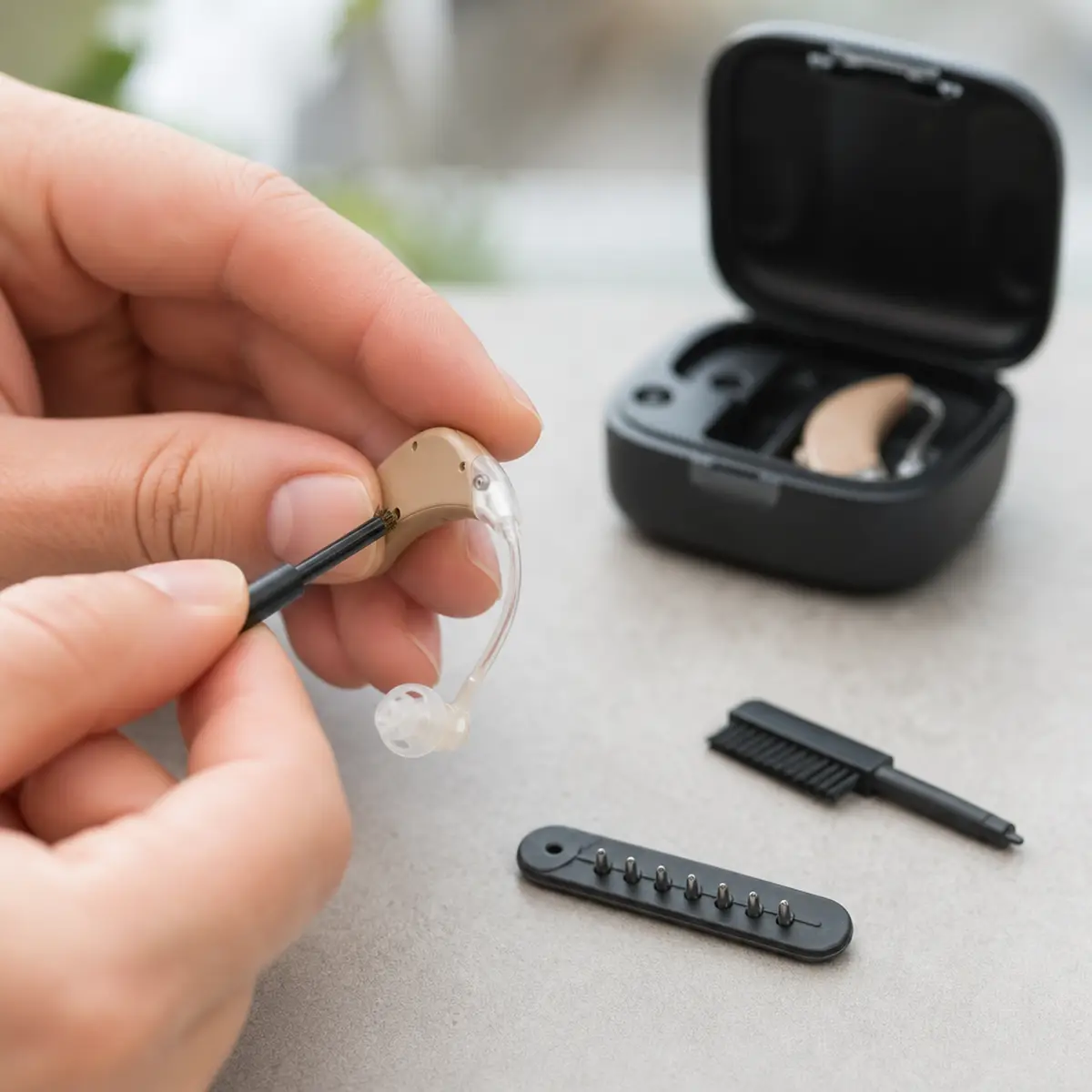
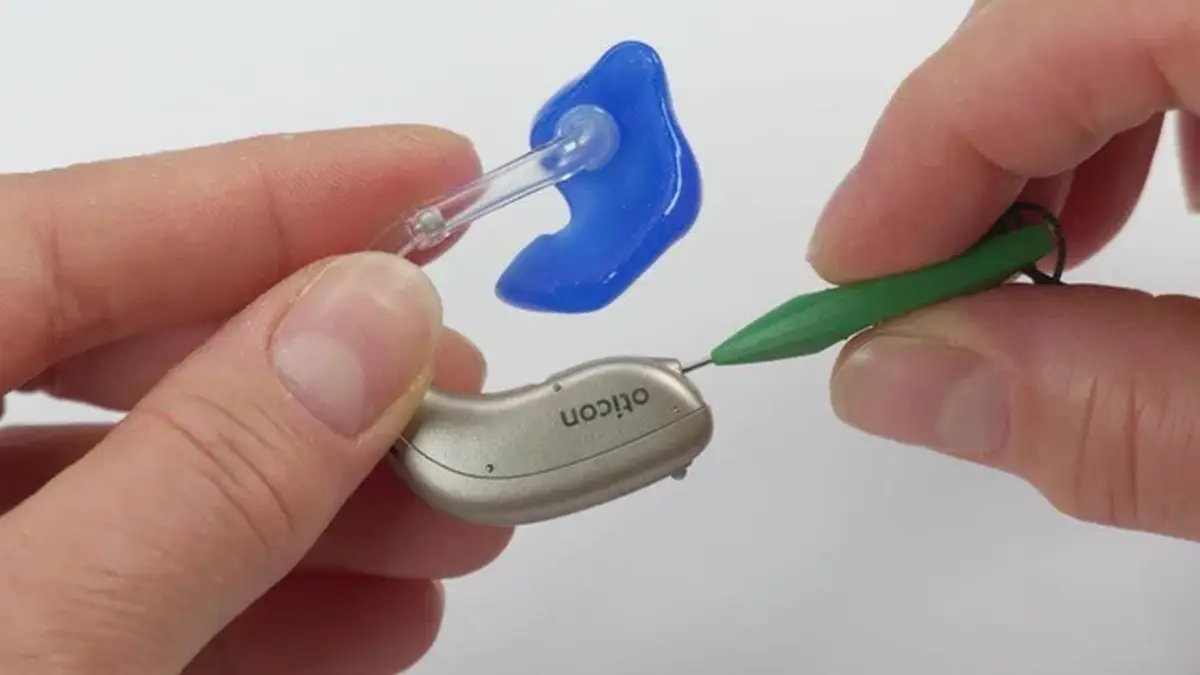
Fix: remove the dome and inspect the wax guard. If it looks yellowed, dark, or visibly blocked, replace it immediately using the manufacturer’s applicator tool. Many people are amazed at the instant difference; it is like removing earplugs you forgot you were wearing. If you have never changed a wax guard, our wax guard guide shows the 60-second process. Make this a routine: check guards weekly and replace at the first sign of discoloration, not when sound degrades.
Cause 2: Earwax Buildup in Your Ears
Even with perfect devices, wax-impacted ear canals muffle everything. Hearing aid wearers are actually more prone to wax buildup because the domes stimulate the canal’s wax glands and can trap wax that would otherwise migrate out naturally. If both the aids and your unaided hearing sound dull, wax is the prime suspect.
Fix: do not use cotton swabs; they compact wax deeper against the eardrum and can cause injury. Do not use ear candles, which are ineffective and dangerous. Safe options include over-the-counter wax-softening drops used as directed for a few days, followed by gentle warm-water irrigation, or professional removal by your audiologist or doctor, which takes minutes and is the safest choice if you have a history of heavy buildup, perforated eardrums, or ear surgery. If muffling clears after wax removal, discuss a preventive schedule with your provider.
Cause 3: Moisture in the Device
Moisture does not always kill a hearing aid outright; often it just degrades performance first. Sweat, humidity, and condensation can dampen the microphone or speaker membranes, producing weak, distorted, or muffled sound that comes and goes. If the muffling is worse after workouts, on humid days, or in the morning after a steamy bathroom, moisture is likely.
Fix: dry the aids thoroughly using a hearing aid dryer, dehumidifier jar, or simply overnight in a dry room with battery doors open. Never use hair dryers or radiators. If drying restores clarity, adopt overnight drying as a permanent habit. Persistent moisture problems may indicate failing seals on aging devices; our lifespan guide covers when aging seals mean replacement time.
Cause 4: Weak or Dying Batteries
A battery in its final hours does not always die cleanly. As voltage sags, the processor gets marginal power and sound quality degrades: weaker output, distortion, intermittent cutouts, all perceived as muffling. This is especially common with disposable batteries in their last day of life.
Fix: replace the battery with a fresh one (remember the 60-second air activation after peeling the tab) or fully charge rechargeable models, then compare. If clarity returns, you have your answer. If you find yourself replacing batteries unusually often, read our guide on why batteries drain too fast; excessive drain and weak output often share a root cause.
Cause 5: Microphone Ports Are Blocked
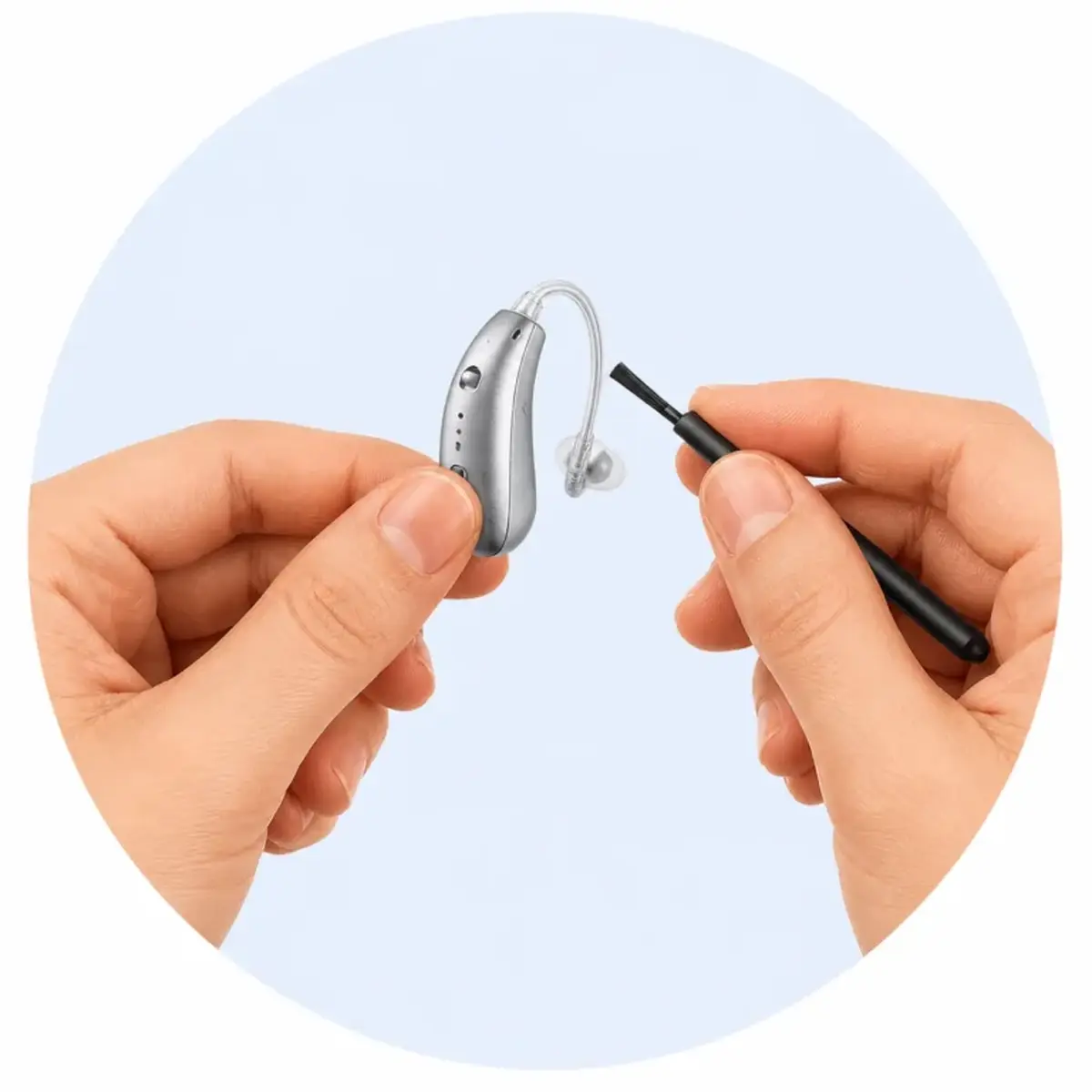
The microphones are the tiny openings on the outer body of the aid. Skin oils, sweat residue, makeup, sunscreen, and pocket lint gradually film over them, and because the blockage is on the input side, everything the aid hears arrives dulled. People rarely think to clean these because the ports are nearly invisible.
Fix: brush the microphone ports gently with the small cleaning brush that came with your aids, using light outward strokes. For oily residue, wipe the outer body with a dry, soft cloth. Never poke tools into the ports and never use water or solvents on the device body. Add microphone brushing to your daily routine; it takes ten seconds. Full instructions are in our cleaning guide.
Cause 6: The Dome or Fit Has Changed
Domes soften and deform with use, earmolds shrink microscopically over years, and ear canals themselves change shape with age and weight changes. A fit that was perfect two years ago may now leak sound or sit too shallow, and both conditions manifest as reduced clarity rather than obvious feedback. If muffling developed slowly over months and maintenance has not helped, fit drift is worth investigating.
Fix: try a fresh dome in your current size first; old domes lose their shape. If that does not help, try the next size up and assess clarity over a day. For persistent issues, ask your audiologist about a fit check; they can verify the acoustic seal and order new earmolds if yours have aged out. This is also the right moment for a hearing retest if yours is more than a year or two old.
Cause 7: Your Hearing Has Changed
This is the cause nobody wants to hear, but it is common: hearing loss progresses, and a prescription that was perfect last year may now under-amplify. The symptom is distinctive: the aids sound clear but simply not enough, and increasing volume helps partially but never fully restores the old clarity. If maintenance is current, batteries are fresh, and sound is still inadequate, your hearing may have shifted beyond your current settings.
Fix: book a hearing test and a fitting checkup. This is routine, not alarming; hearing changes gradually for most people, and a reprogramming brings the aids back in line. If you self-fit through an app, rerun the in-app hearing test and let it generate a fresh prescription, as described in our self-fitting guide. Do not just keep raising the volume indefinitely; over-amplification without proper frequency shaping produces loud-but-unclear sound and risks feedback.
Quick Diagnostic Sequence
If you want the fastest path, run this five-minute sequence: (1) fresh batteries or full charge; (2) replace wax guards; (3) brush microphone ports; (4) dry overnight if moisture is plausible; (5) fresh dome. If clarity is not restored after these five, the issue is fit, hearing change, or internal component failure, and all three need professional evaluation. Note what you tried; your audiologist will want to know.
Frequently Asked Questions
Why do my hearing aids sound muffled in the morning but fine later?
Overnight moisture condensation is the usual cause. The devices dry out as you wear them and warm up. Storing them in a dryer jar overnight typically eliminates morning muffling.
Can earwax damage my hearing aids?
Wax itself rarely damages electronics, but it blocks sound ports and can work its way into receivers if wax guards are neglected. Regular guard changes protect both sound quality and the device.
How often should hearing be retested?
Most audiologists recommend annual hearing tests for aid wearers. If you notice gradual clarity loss despite good maintenance, do not wait for the annual mark; book sooner.
Will turning up the volume fix muffled sound?
Rarely. If the sound path is blocked by wax or moisture, more volume just makes muffled sound louder. Fix the blockage first, then assess whether volume is actually the issue.
One aid sounds clear and the other is muffled. What does that mean?
Swap the wax guards and batteries between sides. If the muffling follows the guard or battery, you have found it. If it stays with the same aid, that device needs professional inspection; the receiver or microphone may be failing.
The Bottom Line
Muffled hearing aids are frustrating, but the diagnostic logic is simple: sound travels from the world, through the microphones, through the processor, out the speaker, and through your ear canal to your eardrum. Muffling means something is obstructing that path, and the obstruction is usually wax, moisture, weak power, or a changed fit. Clear the path step by step and clarity almost always returns. When it does not, that is meaningful information, not a defeat; it tells your audiologist exactly where to look. Keep this guide with our dead hearing aid checklist and feedback guide bookmarked, and most hearing aid problems will never ruin your day.