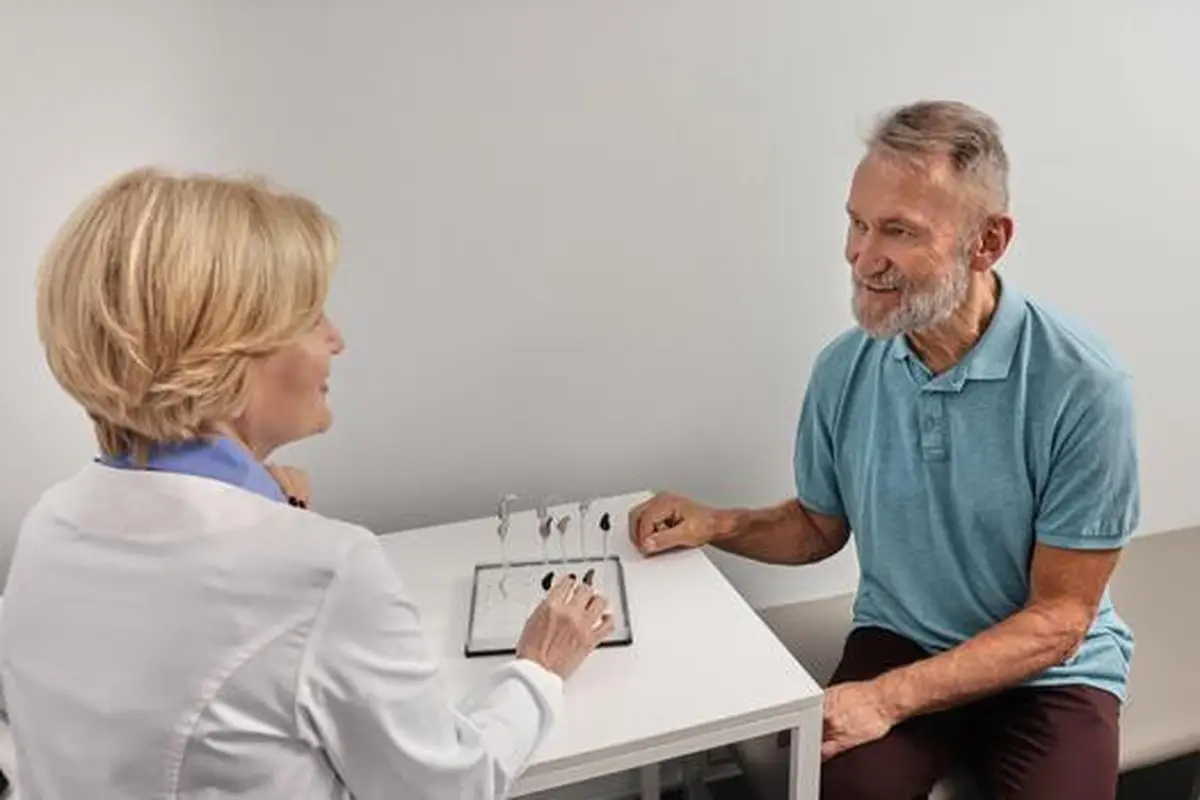
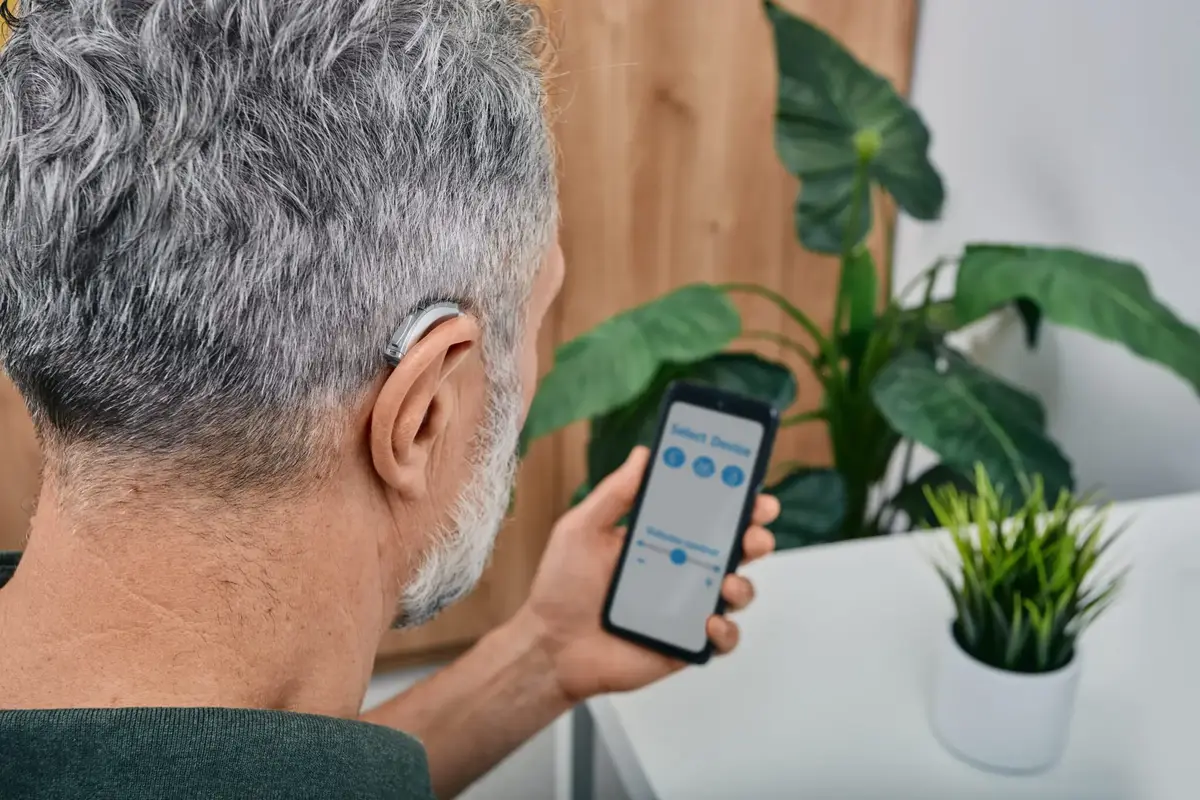

For most of hearing aid history, getting fitted meant sitting in a clinic while an audiologist ran tests and programmed your devices on specialized equipment. Self-fitting hearing aids move that entire process onto your phone. You take a hearing test in an app, the software calculates your prescription, and the hearing aids program themselves, all without an appointment. It sounds like magic, but it is really just clever engineering built on decades of audiology science. Here is how it actually works, step by step.
What Self-Fitting Means (and Does Not Mean)
Self-fitting does not mean guessing. It does not mean turning a volume wheel until things sound okay. A true self-fitting hearing aid runs you through a structured process: it measures your hearing thresholds, applies a validated prescription formula to calculate exactly how much amplification each frequency needs, programs the devices, and then verifies the result. The key word is validated: under the FDA’s 2022 OTC hearing aid rule, manufacturers must demonstrate that their self-fitting strategy produces results comparable to professional fitting for the intended users. If the process cannot prove itself, the product cannot be sold as a self-fitting OTC hearing aid.
This is very different from a simple amplifier with a volume control, or from manually tweaking an equalizer until speech sounds decent. Self-fitting is a clinical process that happens to run on your phone instead of in a clinic. Our hearing aids vs amplifiers article explains why that distinction matters.
Step 1: The In-App Hearing Test
Everything starts with measuring your hearing. Self-fitting apps use one of two approaches. The most common is in-situ audiometry: the hearing aids themselves play a series of tones at different pitches and volumes directly into your ears, and you tap the screen each time you hear one. Because the test runs through the actual devices sitting in your actual ears, it automatically accounts for your ear canal acoustics, which is elegant engineering.
The second approach uses your phone plus earbuds or the hearing aids to run a similar tone test, like Apple’s Hearing Test with AirPods Pro 2 (covered in our AirPods Pro 2 guide). Either way, the result is a threshold measurement at each key frequency: the quietest sound you can hear. The app typically tests both ears separately, because hearing loss is often asymmetric. The whole process takes 10 to 15 minutes in a quiet room. To understand what those results mean, read our audiogram guide.
Step 2: The Prescription Formula
Raw thresholds are just data. The magic happens when the software converts them into amplification targets using a prescription formula, the same math audiologists use. The most widely validated formula is NAL-NL2 (National Acoustic Laboratories, Non-Linear version 2), developed from research on thousands of hearing aid users. It calculates, for each frequency, how much gain will maximize speech understanding while keeping loud sounds comfortable.
Think of it this way: your test might show you need 25 decibels of boost at high frequencies but only 5 at low frequencies. The formula turns those numbers into precise instructions for the hearing aid’s processor: amplify 4,000 Hz by this much for soft sounds, compress loud sounds by that much, and so on. Some manufacturers use proprietary formulas tuned from their own user data, but the principle is identical. This is the step that separates real self-fitting from guesswork: the amplification is calculated, not improvised.
Step 3: Programming and Verification
Once the prescription is calculated, the app sends it to the hearing aids over Bluetooth and programs them automatically. Good self-fitting systems then run a verification step: they may play sample speech and ask you to rate clarity and comfort, or run a quick check that the output matches the intended targets. If something is off, for example if a tone was missed during testing because a truck drove past, the app flags it and suggests retesting that frequency.
After programming, most apps walk you through an acclimatization plan. Your brain has been living with reduced sound input, sometimes for years, and suddenly restoring full amplification can feel harsh or overwhelming. Quality self-fitting systems start you at slightly reduced gain and gradually increase it over days or weeks. This mirrors exactly what good audiologists do in clinic fittings, and it is one reason the first-30-day adjustment period feels the way it does.
Step 4: Fine-Tuning Over Time
The initial fitting is a starting point, not a final answer. Self-fitting apps include fine-tuning controls that let you adjust the sound to your preference: overall volume, treble and bass balance, noise reduction strength, and sometimes program presets for restaurants, music, or outdoor use. The best approach is to live with the default prescription for at least a week before changing anything, because your perception of “normal” sound needs time to recalibrate.
When you do adjust, change one thing at a time and give it a day. Common refinements include slightly reducing high-frequency sharpness if the world sounds tinny, increasing noise reduction for restaurant struggles, or creating a dedicated music program. Many apps also offer remote support: brands like Jabra Enhance and Lexie connect you with hearing professionals by chat or video who can adjust your fitting remotely. That hybrid model, self-fitting plus on-demand professional help, is arguably the sweet spot of modern hearing care.
Where Self-Fitting Works Well
Self-fitting shines for the most common hearing loss profile: adults with typical, symmetric, mild-to-moderate sensorineural loss, the gradual age-related decline most people experience. For this group, validated studies show self-fitted outcomes comparable to professionally fitted ones. The process is convenient, private, affordable, and fast. You can go from unboxing to hearing better in under half an hour, on your own schedule.
Where Self-Fitting Hits Its Limits
Honesty requires stating the boundaries clearly. Self-fitting cannot handle asymmetric loss well (one ear much worse than the other), because that pattern can signal medical issues needing professional evaluation. It is not appropriate for severe or profound loss, which needs the power and precision of prescription devices. It cannot address conductive components like chronic infections, eardrum problems, or earwax impaction, and it will not flag the red flags an audiologist catches: sudden hearing loss (a medical emergency), dizziness, or drainage. If your in-app test produces strange or inconsistent results, that is the system telling you to see a professional, not to keep retesting until the numbers look nice.
| Situation | Self-Fitting | See a Professional |
|---|---|---|
| Gradual, symmetric mild-to-moderate loss | Excellent fit | Optional |
| One ear noticeably worse | Not recommended | Yes, promptly |
| Sudden hearing change | No, medical emergency | Yes, immediately |
| Severe or profound loss | Not sufficient | Yes |
| Tinnitus, dizziness, ear pain, drainage | Not appropriate | Yes |
| Want convenience and low cost | Great choice | Not applicable |
Tips for the Best Self-Fitting Results
- Test in true quiet. Background noise is the number one cause of inaccurate self-tests. Turn off the TV, close windows, and pick the quietest room.
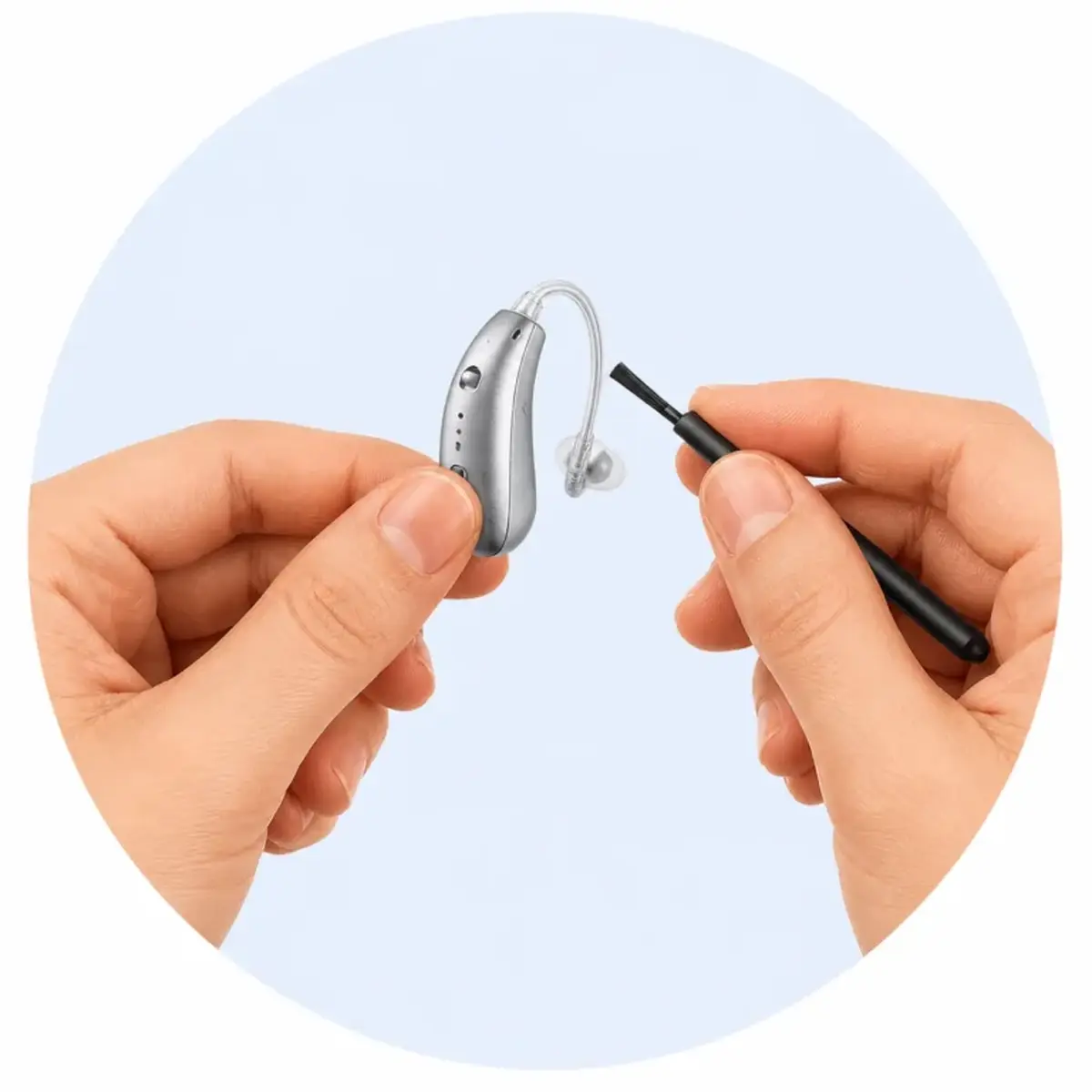
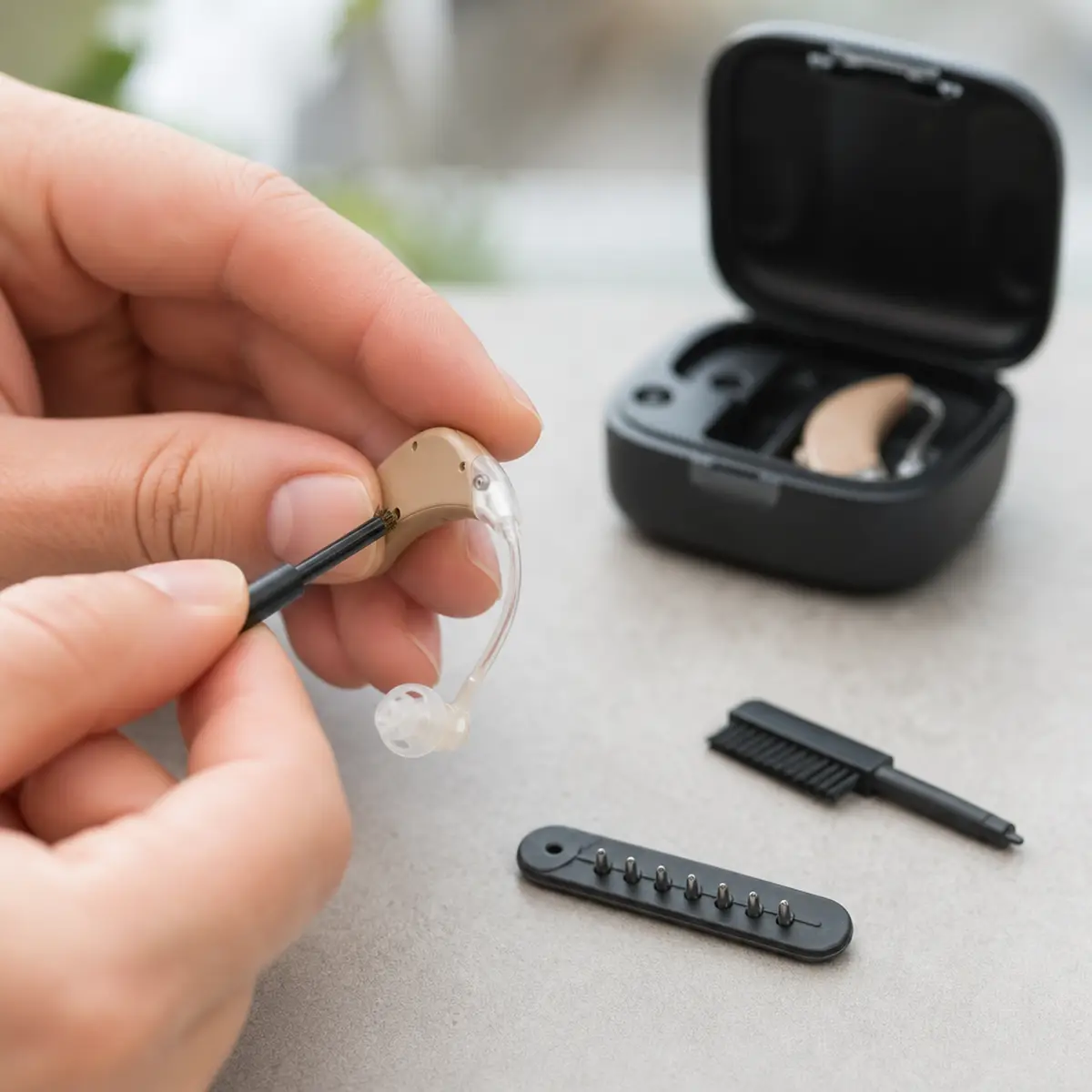
- Use fresh tips and a clean device. Wax or debris in the speaker skews test tones. If your aids have wax guards, check our wax guard guide first.
- Be honest with your taps. Only tap when you genuinely hear the tone, not when you think one might be coming. Guessing produces a false profile.
- Wear them consistently. Your brain adapts through exposure. Wearing the aids 8+ hours daily for the first two weeks produces far better outcomes than occasional use.
- Retest after a month. Many apps let you rerun the test. Your thresholds may shift slightly as your auditory system wakes up, and a fresh fitting captures that.
Frequently Asked Questions
Is self-fitting as good as a professional fitting?
For typical mild-to-moderate loss, validated studies show comparable outcomes. For complex cases, asymmetric loss, or severe loss, professional fitting remains superior and necessary.
Do I need a smartphone for self-fitting hearing aids?
Essentially yes. The hearing test, programming, and fine-tuning all run through the manufacturer’s app. Most brands support both iPhone and Android, but check compatibility before buying.
What happens if I do the hearing test wrong?
Most apps include consistency checks and will flag unreliable results, prompting a retest. If results seem off (for example, suggesting severe loss when you hear fine), stop and consult a professional rather than accepting a bad profile.
Can I switch from self-fitting to professional help later?
Yes. Several OTC brands offer remote professional support, and nothing stops you from seeing a local audiologist afterward. Your self-test results can even serve as a useful starting point for that appointment.
Are self-fitting hearing aids FDA approved?
Self-fitting OTC hearing aids must meet FDA requirements, including validation of their self-fitting process. Look for FDA-registered products from established brands on our FDA OTC list.
The Bottom Line
Self-fitting hearing aids are one of the most consumer-friendly advances in hearing care: clinical-grade fitting logic, distilled into a 15-minute app session, validated to work without a professional for typical hearing loss. They are not a replacement for audiologists in complex cases, but for millions of people with standard mild-to-moderate loss, they remove every barrier of cost, travel, and embarrassment. If that sounds like you, start with our OTC vs prescription guide to pick your path, then explore hearing aid types to find the style that suits your life.